eSIM vs Local SIM vs Roaming: The Best Way to Stay Connected Abroad
Landing in a new country and having a working phone within minutes is one of the small pleasures of modern travel. Maps, translation apps, ride-hailing, mobile boarding passes, and restaurant reviews all depend on a reliable internet connection. The challenge is getting that connection without paying shocking roaming charges.
Travelers today have three main options: international roaming through their home provider, a local SIM card bought at the destination, or a travel eSIM installed digitally before the trip. Each has strengths and weaknesses. This guide compares them clearly so you can pick the best fit for your journey.
Why Staying Connected Matters
Connectivity is no longer a luxury. It helps you navigate unfamiliar streets, book transport, translate menus, find emergency services, and stay in touch with family. It also lets you handle problems quickly, such as changing a hotel booking or checking a delayed flight.
Having a plan before you leave also reduces stress. You avoid searching for a shop after a long flight, and you avoid unpleasant surprises on your phone bill.
What Is International Roaming?
Roaming means using your home mobile plan while abroad. Your provider connects you to partner networks in other countries. The main advantage is convenience: nothing changes, and your number stays active for calls and messages.
The downside is cost. Some providers charge high daily fees or per-megabyte rates, and data allowances may be limited. Many travelers have returned home to unexpectedly large bills. If you choose roaming, check your provider’s travel pass options and set usage alerts.
What Is a Local SIM Card?
A local SIM is a physical card you buy in the country you are visiting, from an airport kiosk, a mobile shop, or a convenience store. It gives you a local number and often very competitive data prices.
The benefits are low cost and strong local coverage. The drawbacks include time spent finding a shop, possible registration requirements with passport details, language barriers, and the need to swap your physical SIM. Your home number may also be unavailable while the local SIM is in use unless your phone supports dual SIM.
What Is a Travel eSIM?
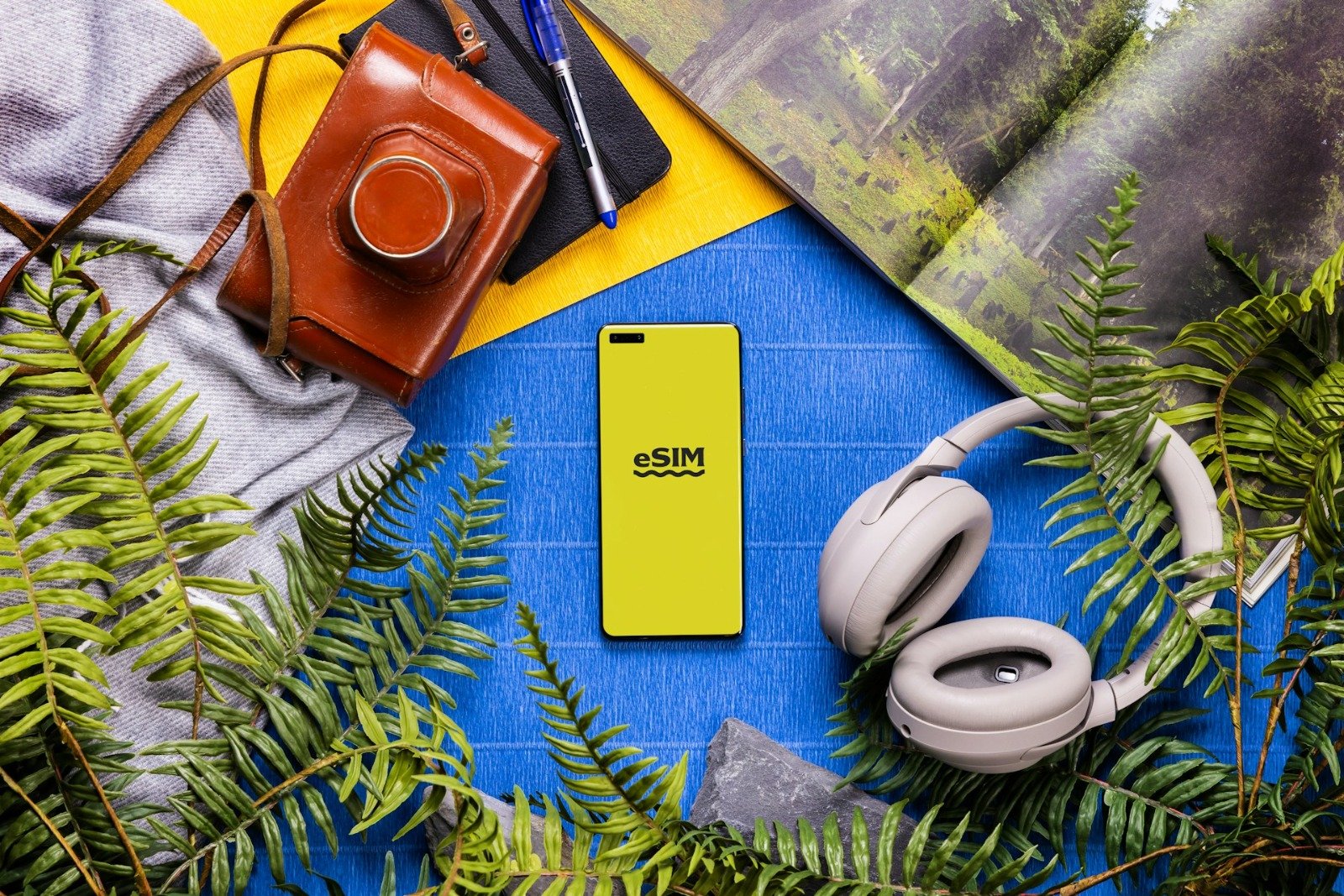
An eSIM is a digital SIM built into modern smartphones. Instead of inserting a physical card, you scan a QR code or install a profile through an app. Travel eSIM providers sell prepaid data plans for individual countries, regions, or the whole world.
You can buy and install an eSIM before you leave home, and it activates when you arrive. Because most phones support both a physical SIM and an eSIM, you can keep your regular number active for calls and verification messages while using the eSIM for cheap data.
Comparing Cost
Costs vary by destination, but a general pattern is clear. Roaming is usually the most expensive option unless your provider offers a good travel bundle. Local SIMs are often the cheapest, particularly for long stays or heavy data use. Travel eSIMs sit in the middle, often costing only slightly more than a local SIM while saving time and effort.
For a short trip, the small price difference is often worth the convenience of arriving already connected.
Comparing Convenience
Roaming wins on simplicity because you do nothing. eSIMs come second: installation takes a few minutes and can be done at home on Wi-Fi. Local SIMs take the most effort, as you must find a shop, show identification, and activate the card.
If you value your time on arrival, especially after a long flight or in a country where you do not speak the language, an eSIM is hard to beat.
Comparing Coverage and Speed
Coverage depends on the underlying network. Local SIMs usually connect directly to the best local carriers. Travel eSIMs generally partner with major networks as well, but plans can differ in speed and priority. Roaming uses partner networks chosen by your home provider, which may not be the strongest option in every location.
Read plan details before buying, including supported networks, speed limits, and whether tethering is allowed if you plan to share data with a laptop.
Is My Phone eSIM Compatible?
Most recent smartphones from major brands support eSIM, but not every model does, and some phones sold in certain regions are limited to physical SIMs. Check your phone’s settings or manufacturer information. Your phone must also be carrier unlocked, otherwise it may refuse a foreign eSIM profile.
How to Set Up a Travel eSIM
Setup is simple. Choose a plan for your destination and trip length. Purchase it and receive a QR code or installation instructions by email or app. Install the profile while connected to Wi-Fi, and label it clearly. When you arrive, turn on the eSIM line and enable data roaming for that line only. Switch your primary line off for data to avoid charges.
Tips to Save Data and Money
A few habits make any plan go further:
- Download offline maps and translation packs before you leave.
- Use hotel Wi-Fi for large downloads and app updates.
- Turn off automatic video playback and background app refresh.
- Set a data warning on your phone.
- Use messaging apps for calls instead of standard voice calls.
Remember that public Wi-Fi can be risky, so avoid banking or sensitive logins on unsecured networks, or use a trusted VPN.
Which Option Is Best for You?
For short trips of up to two weeks, a travel eSIM is usually the best balance of price and convenience. For long stays or backpacking across several countries, a local SIM or regional eSIM may offer better value. Roaming makes sense for very short trips, business travel on an employer plan, or when your provider offers a fair daily pass.
Security and Privacy Considerations
Staying connected also means staying safe. Public Wi-Fi in airports, cafes, and hotels is convenient but can expose your data. Using a mobile data connection from an eSIM or local SIM is generally safer for sensitive activities such as banking. If you must use public Wi-Fi, enable a reputable VPN and keep your device updated.
Be careful with QR codes and links sent by unknown parties, especially when setting up a plan. Buy only from trusted providers and use official apps or websites.
Using Your Phone as a Hotspot
Many travelers want to share data with a laptop or tablet. Check whether your plan allows tethering, since some low-cost plans restrict it. If you work remotely while traveling, choose a plan with a generous data allowance and no speed throttling after a small limit.
Common Mistakes to Avoid
One common error is forgetting to disable data roaming on the home SIM, which can lead to expensive charges. Another is waiting until the airport to buy a plan, where prices may be higher. Some travelers also buy a plan for the wrong country or region, or install the eSIM too late to troubleshoot.
Always test the connection soon after arrival, and keep your provider’s support contact accessible in case something does not work.
Planning for Multi-Country Trips
If your itinerary crosses several countries, a regional or global eSIM can be more practical than buying a new SIM at every border. Compare the cost per gigabyte and the countries included. In regions with strong roaming agreements, such as the European Union, your home plan may also work with no extra charge, so check before you pay for an alternative.
What to Do If Your eSIM Does Not Work
Problems are uncommon but easy to fix. First, confirm that the eSIM line is turned on and that data roaming is enabled for that line. Restart your phone and check that your phone is selected for mobile data. Make sure you chose the correct network if the plan offers several options. If it still fails, contact the provider’s support through chat or email using Wi-Fi.
Plan for Dual-SIM Convenience
Using a physical SIM for calls and an eSIM for data is one of the best ways to travel. You stay reachable on your normal number for bank codes and family calls, while enjoying low-cost data. Label each line clearly in your phone settings, such as Home and Travel, so you never mix them up.
Frequently Asked Questions
Can I keep my WhatsApp number with an eSIM?
Yes. Your messaging apps are tied to your phone number, which remains on your primary SIM.
Can I use an eSIM for calls?
Most travel eSIMs are data-only. You can still make calls through internet-based apps.
What if my phone does not support eSIM?
Use a local SIM or check whether your home provider has a reasonable roaming pass.
Final Thoughts
The best connectivity option depends on your destination, trip length, and habits. Plan ahead, compare costs, and set up your connection before you fly. To compare options and travel connected from the moment you land, visit the Suitcase Circle eSIM and connectivity page.